PDF, manga, comic and EPUB reader for Android
Readdifferently
Your PDFs, manga, comics and EPUBs, read like real books.
Android 7 or later
ScrollPDF, manga, comic and EPUB reader for Android
Your PDFs, manga, comics and EPUBs, read like real books.
Android 7 or later
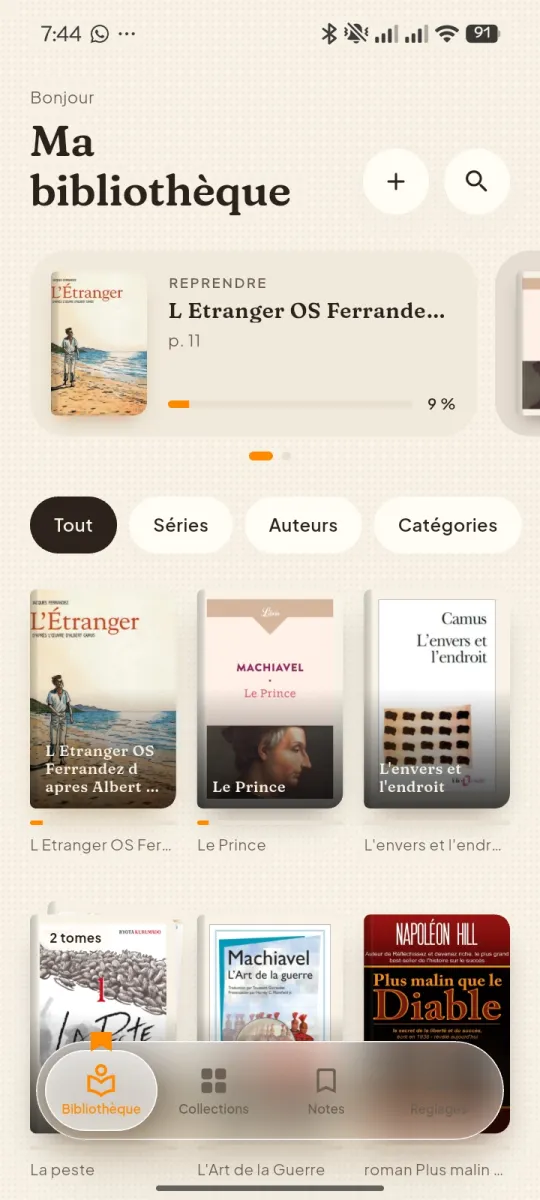
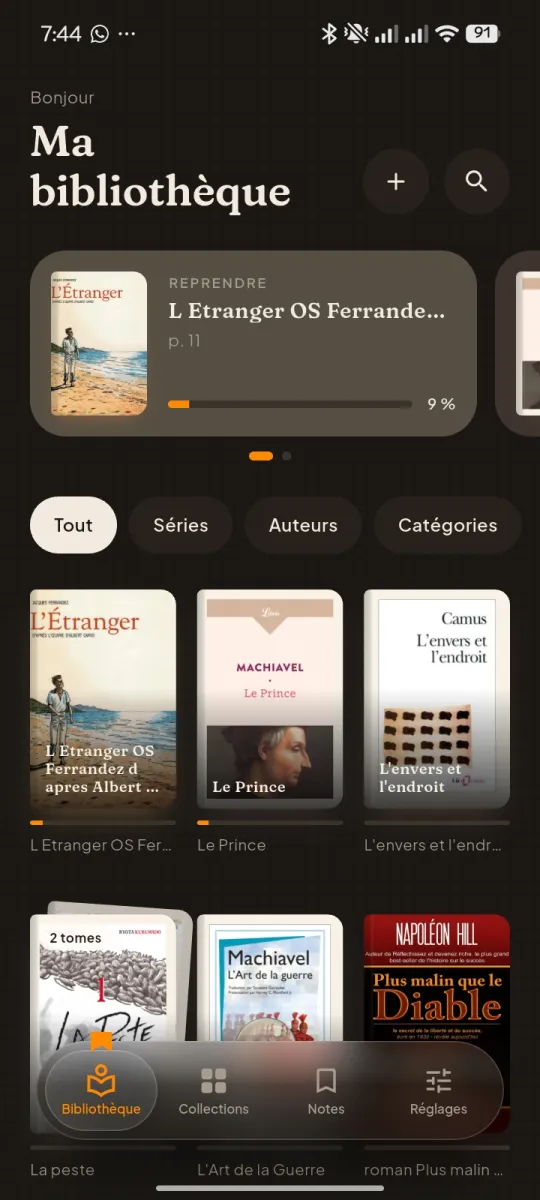
ScrollFolio gathers all your ebooks in one library and opens them the way you like: scrolling, page by page, or turning real pages.
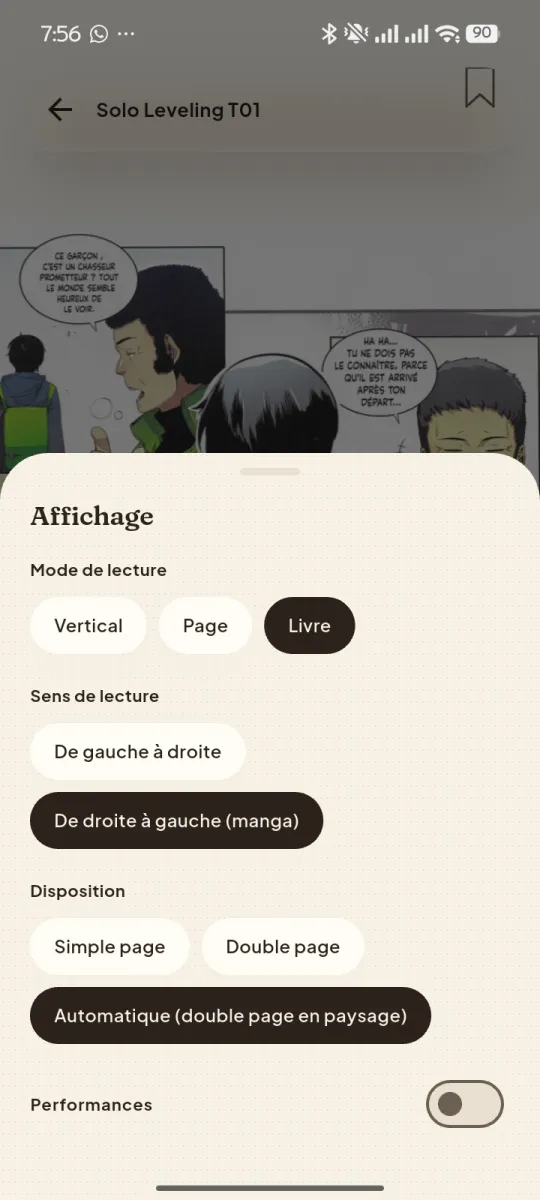
In Book mode, the page follows your finger, curls and falls back with its shadow. The feel of paper, on your phone.
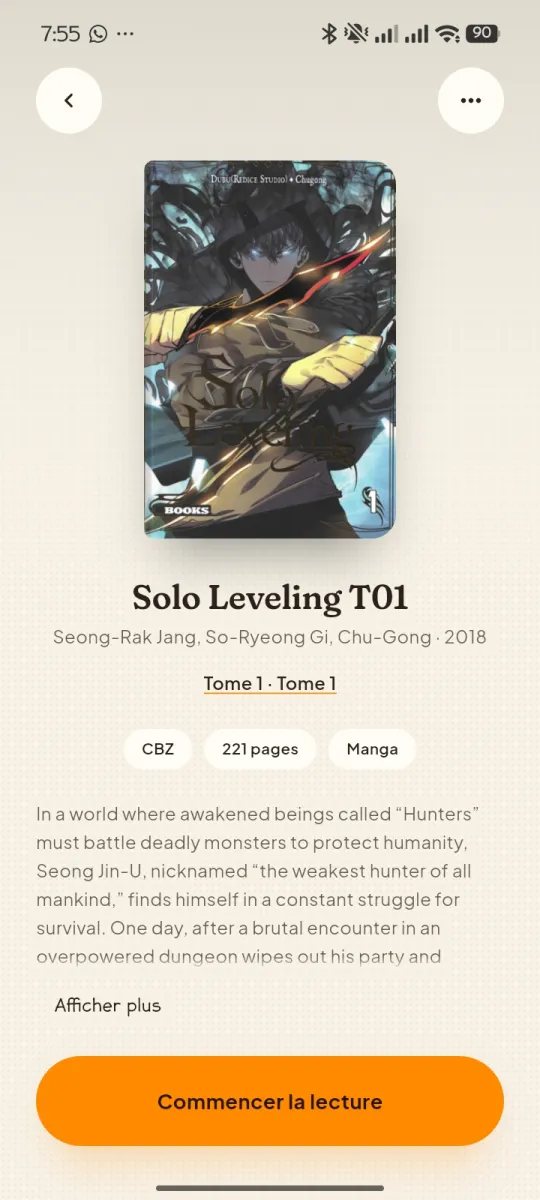
PDF, EPUB, manga and comics in CBZ or CBR: one reader for your whole library.
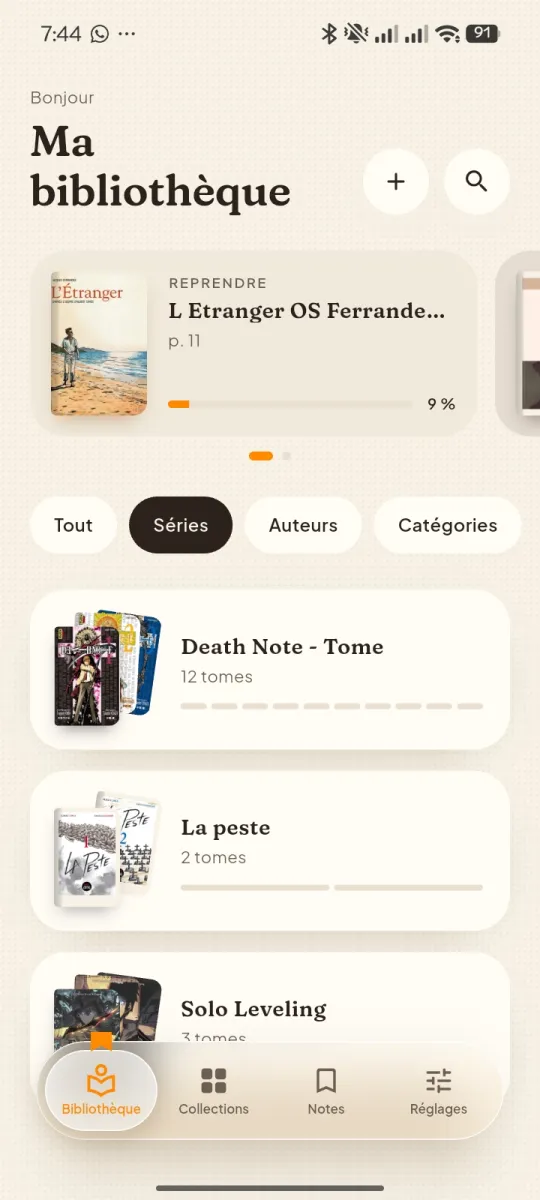
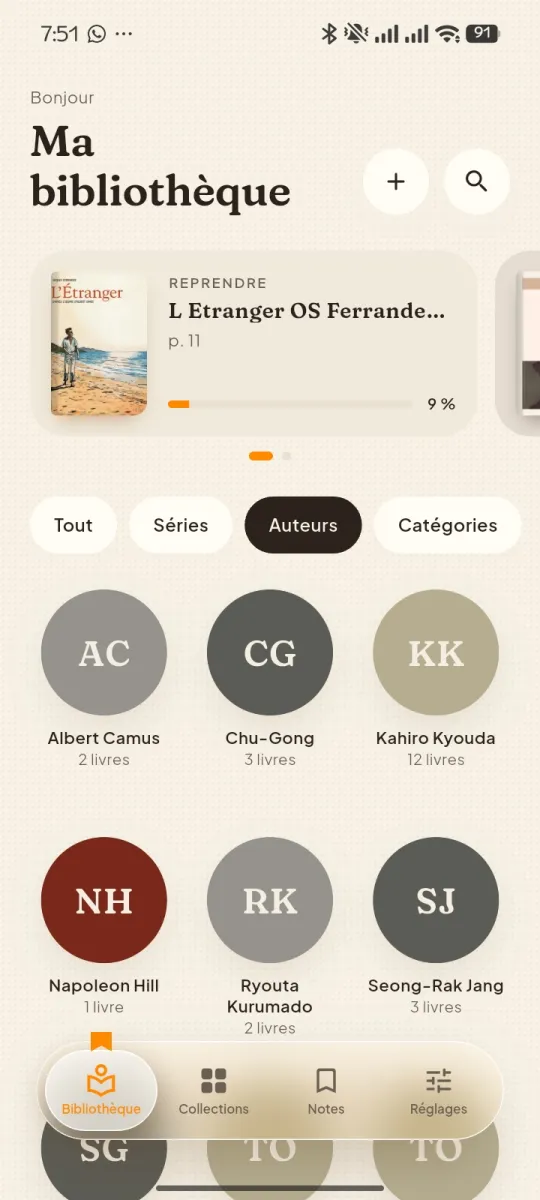
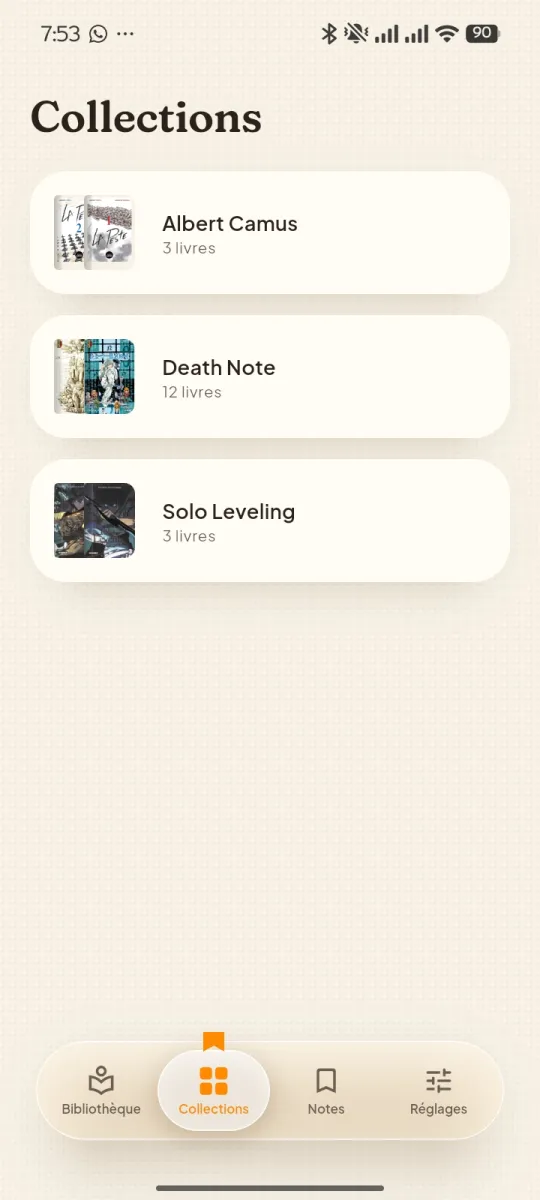
Series in volume order, authors, categories: Folio finds titles and covers, you approve.
Every book reopens at the right page. The next volume is waiting at the end of the series.
Your books stay on your phone. No account is needed to read.
Light or dark theme, accent colour, EPUB typography and page sounds: set Folio up the way you read.
Pages scroll endlessly, perfect for webtoons and long PDFs.
One page at a time, left to right, or right to left for manga.
The page turns under your finger, single or double page.
Import, sort, open: your library takes shape in a few taps.
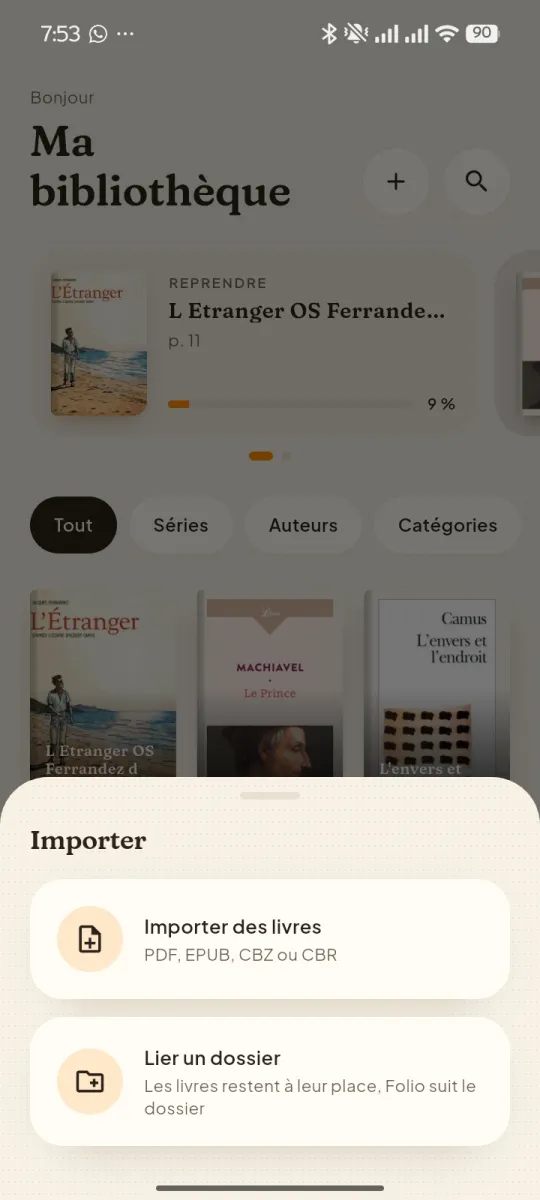
PDFs, EPUBs, and comic and manga archives in CBZ or CBR format.
No. Folio works offline and without an account. An account is optional.
On your phone, in the folder you choose. Folio never uploads them to its servers.
Download the file from this page, open it, then allow installs from your browser if Android asks. Folio will then offer you its updates.
Not yet: Folio is downloaded from this site for now. A Play Store version is planned.
From the file name or the ISBN, Folio searches public book catalogues. These are suggestions: nothing is applied without your approval.
Download Folio for Android and open your first book in seconds.
First version coming soon.